Building vidgrep
Search recorded video for text or visual patterns, then export matching timestamps or short clips. A resumable batch worker processes larger libraries.
September 7, 2026
Search recorded video for text or visual patterns, then export matching timestamps or short clips. A resumable batch worker processes larger libraries.
The problem
Finding one moment in hours of recorded video is miserable. Text is searchable; video is not. I kept scrubbing through recordings looking for the few seconds where a specific word appeared on screen, and every time I thought the same thing: I should be able to grep this.
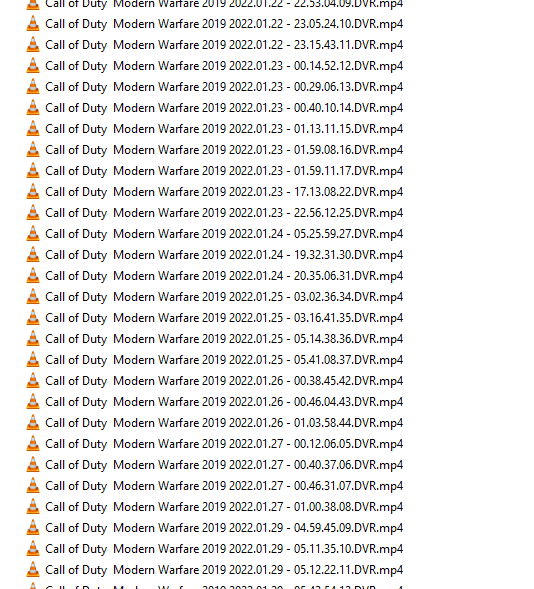
vidgrep is that idea taken literally — point it at a directory of video files, give it a search term (or a template image), and it hands back a folder of short clips or data containing every match.
How it works
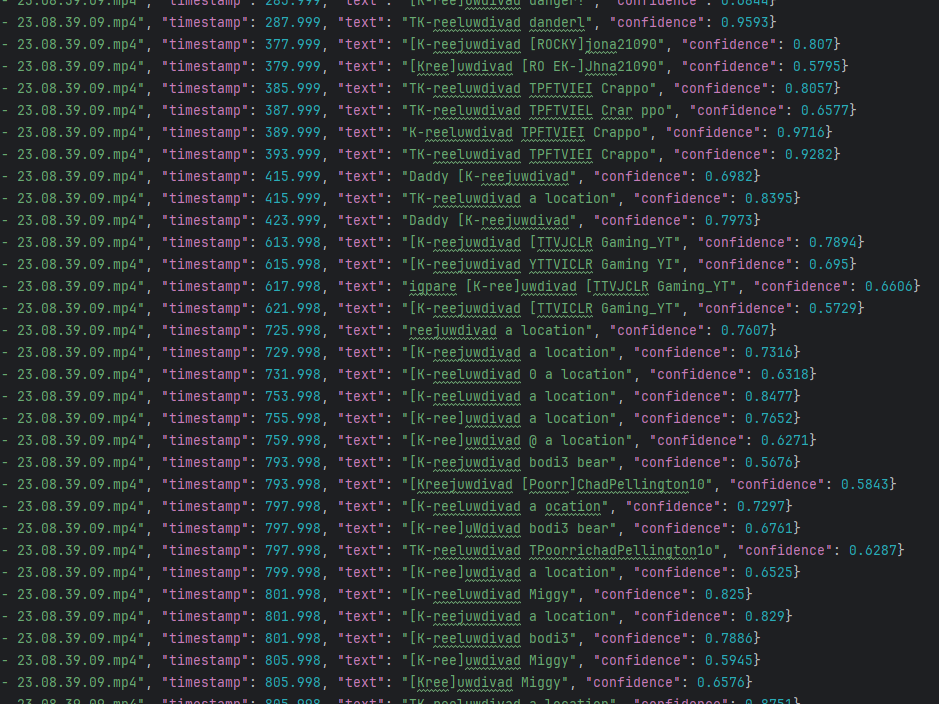
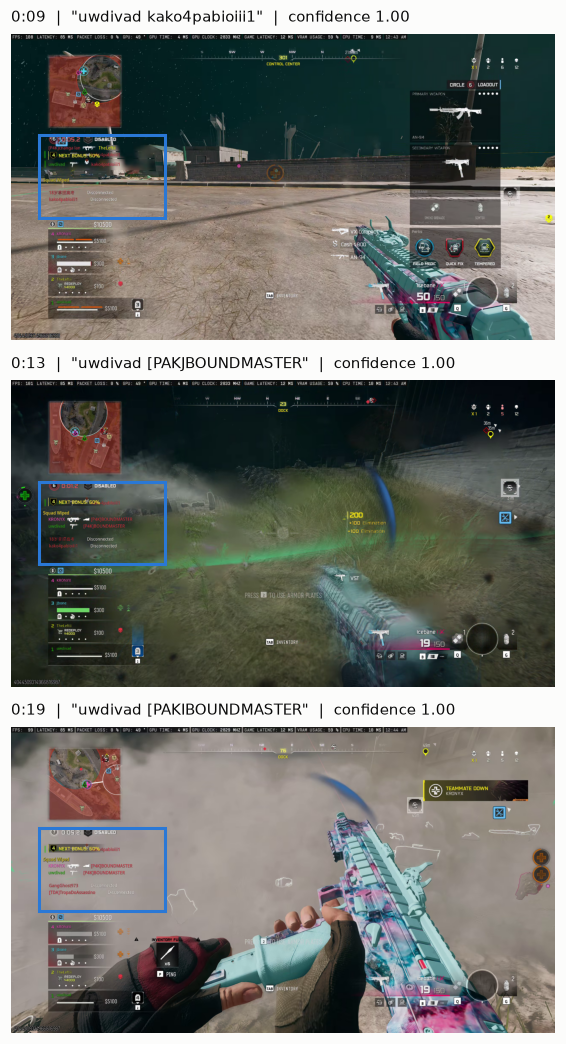
The pipeline is deliberately boring: FFmpeg samples frames at a configurable interval, OpenCV preprocesses them, then either an OCR pass looks for the search text or template matching looks for a reference image. Hits that fall within a merge window collapse into a single event, and FFmpeg cuts a padded clip around each one.
vidgrep worker videos.csv --text "uwdivad" --region 132 476 592 388 --interval 2 --batch-size 32 --stats --profile- Sampling reduces the number of OCR passes, but the decoder may still need to process intervening frames. Larger intervals can miss brief appearances.
- Matches within a merge window become one clip instead of dozens of near-duplicates
- Padding is applied on both sides of a match so clips keep their context
The batch worker
Scanning a big library takes a while, and long jobs get interrupted. The batch worker journals its progress per file, so a killed run resumes where it stopped instead of starting over — finished files are skipped, half-scanned files restart cleanly.
I run the worker locally against a CSV inventory of my recordings. It updates each row after a successful scan, so rerunning the command skips completed videos and retries unfinished ones.
The TUI dashboard
The terminal dashboard shows scan progress and match intervals, then lets me extract selected clips. The CLI also reports throughput and stage timings, which help distinguish slow decoding from slow OCR.
Measured performance
In the published July 2026 benchmark, a 26.7-second AV1 video at 2560×1440 and 144 fps took 29.6 seconds to scan before optimization and 5.1 seconds afterward. The test used an RTX 5090 on Windows 10, FFmpeg 8.0.1, and EasyOCR 1.7.2, with a warm model, a selected region, and a two-second sample interval. All eight search matches retained their timestamps.
Hardware (NVDEC) decoding and a fix to OCR batching, which had been running one text crop per GPU call, accounted for the improvement. These results describe that workload, not every video: codec, hardware, region size, and sampling interval all affect throughput. The [benchmark notes](https://github.com/uwdivad/vidgrep/blob/master/docs/making-ocr-scans-6x-faster.md) include stage timings and correctness checks.
Searching the results
The scan results can be ingested into SQLite with full-text search. Each occurrence keeps its source video and timestamps, so I can search a recording library and find the relevant time range without running OCR again. Incremental ingestion skips unchanged files.
The code is on [GitHub](https://github.com/uwdivad/vidgrep) — issues and ideas welcome.